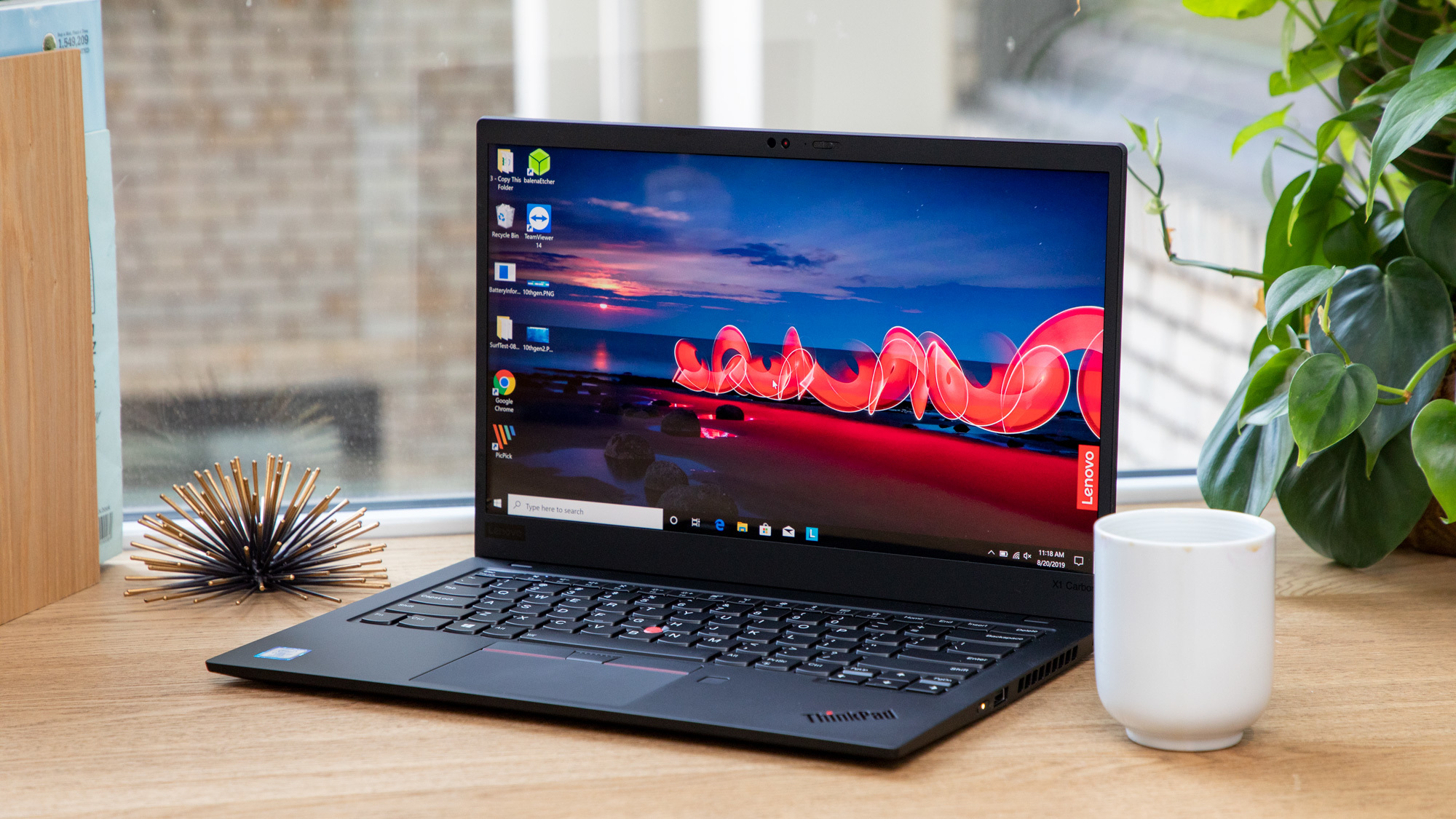
Thermal-Aware Testing
We measure sustained clocks under load rather than relying on peak boost figures that rarely hold in daily use.
Real Battery Numbers
Battery life is measured under mixed productivity use, not a best-case video playback loop.
Component-Level Coverage
Desktop builds and upgrades are covered separately from pre-built systems, with compatibility notes included.
1. What We Cover
Our Laptops & Computers desk evaluates ultrabooks, gaming laptops, workstations, and desktop PC components. Coverage spans thermal design, sustained performance under load, display calibration, keyboard and trackpad quality, and the practical battery life you'll actually get away from a wall outlet.
Desktop coverage focuses on component-level reviews, build guides, and compatibility notes for readers assembling or upgrading their own machines rather than buying pre-built systems.
2. Buying Guide: What Actually Matters
- Sustained clock speeds under load, not just the peak boost clock advertised on a spec sheet, since thin chassis often throttle heavily within minutes.
- Real-world battery life measured under mixed productivity use at a fixed screen brightness, not a best-case video playback loop.
- Display color accuracy and coverage, especially for anyone doing photo, video, or design work where color fidelity affects the final output.
- Upgradability: whether RAM and storage are soldered or user-replaceable, which materially affects the machine's useful lifespan.
- Keyboard travel and trackpad precision, since these are used continuously and are hard to judge from a spec sheet alone.
3. Categories We Test
| Category | Typical Price Band | Primary Use Case |
|---|---|---|
| Everyday Ultrabook | $600 - $1,200 | Web browsing, office work, and portability-first daily use. |
| Creator Laptop | $1,200 - $2,500 | Photo and video editing, 3D work, and color-critical tasks. |
| Gaming Laptop | $1,000 - $3,000 | High-refresh gaming with dedicated GPU cooling considerations. |
| Workstation / Desktop Build | $1,500 and up | Sustained heavy compute, rendering, and professional workloads. |
4. Current Top Picks
Best Everyday Ultrabook
Pairs a genuinely color-accurate display with a chassis thin enough to disappear in a bag, without sacrificing the all-day battery life this category is defined by.
Best Creator Laptop
Covers 100% of the P3 color gamut out of the box and holds sustained CPU clocks well past the 20-minute mark under render workloads.
Best Gaming Laptop
Thermal design keeps GPU clocks stable through extended sessions, the trade-off being a chassis that runs louder under full load than competitors.
Best Value Desktop Build
A component list that prioritizes price-to-performance over headline benchmark numbers, ideal for a first self-built machine.
5. Upgrade & Maintenance Notes
Thermal paste on gaming and workstation laptops typically benefits from replacement after two to three years of heavy use, as factory-applied paste can dry out and reduce cooling efficiency. For desktop builds, we recommend checking case airflow direction (front intake, rear and top exhaust) before assuming a cooler or additional fans are needed to solve a thermal issue.
Always confirm a laptop's RAM and storage are user-accessible before purchase if future upgrades matter to you. Many thin-and-light designs now solder memory directly to the motherboard, which locks in capacity permanently at the time of purchase.
6. Frequently Asked Questions
Is more RAM always better?
Beyond the point where your workload comfortably fits in memory, additional RAM provides little practical benefit. Most everyday and creative workloads are well served by 16GB to 32GB depending on the applications used.
Do gaming laptops make sense for creative work?
Often yes, since they combine a dedicated GPU with strong CPU cooling, though the display panel is worth checking separately as gaming-focused panels don't always prioritize color accuracy.
How often should thermal paste be reapplied?
For most users, only if temperatures have noticeably increased over time or the laptop is several years old. It is not a routine maintenance task for a newer machine.